
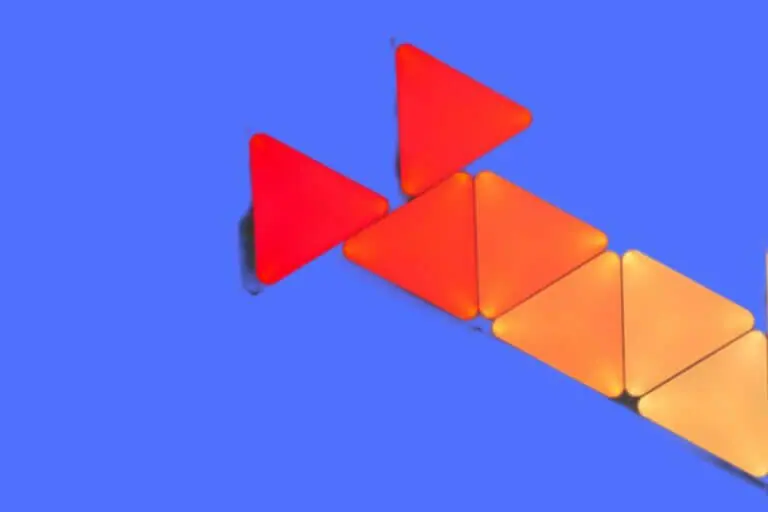


- [Build & Expand Your Designs] Create beautiful symmetry in any room, or get completely abstract – the choice is yours. Modular design allows you to mix and match Shapes (Hexagons, Triangles, Mini Triangles) and expand your setup with various Expansion Packs to create next-level designs that can be as large as 500 panels.
A smart light that was 10 years in the making.
With Nanoleaf officially celebrating its 10th anniversary earlier this year, they released a limited edition all-black version of their Shapes LED triangular light titles.
And while their square Canvas products have been pretty universally praised, that doesn’t mean their Shapes have gotten any less impactful or impressive even now after all these years.
Nanoleaf Shapes: Overview
From their overall setup and putting them together, to the various features included, Nanoleaf Shapes has made a point of being something worth taking a look at.
In this review, we’ll be taking a closer and more in-depth look at how it operates today as well as how it has evolved since its time over a decade ago.
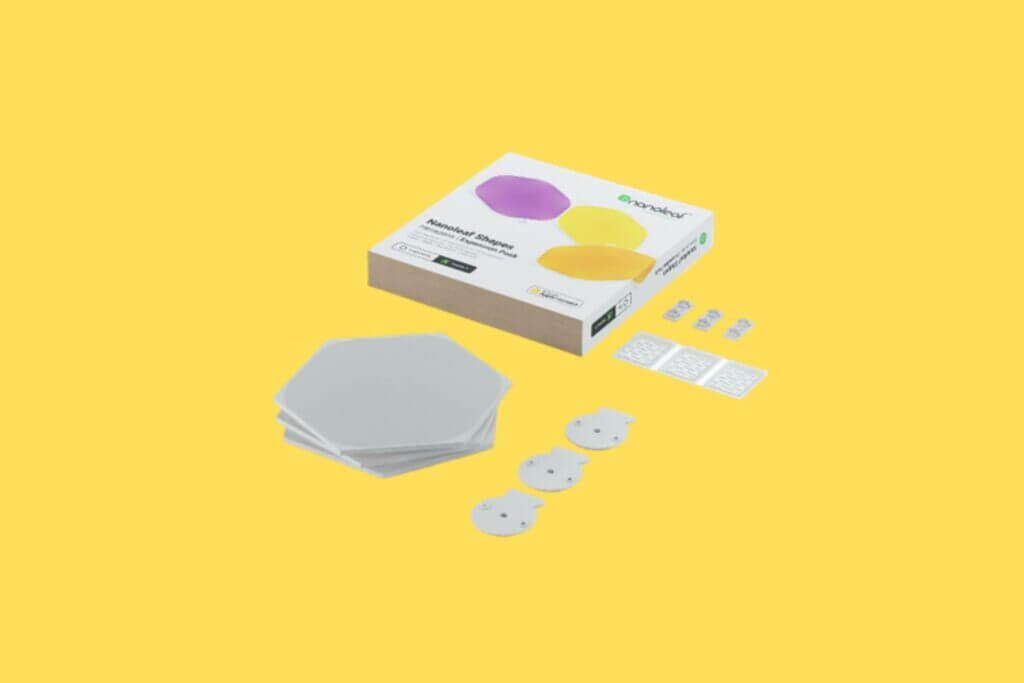
The Nanoleaf Shapes Setup Process
If you’ve been a fan of the Canvas tiles in the past, you’ll love what Nanoleaf has done here with the Shapes’ lighting.
Even starting from the initial setup stage, there have been some incredible upgrades to how things are done.
1. Available Instructions
One of the first things you’ll notice when setting it up is that the Shapes lighting comes with several different instruction options, the two main ones being the included instruction booklet as well as an online app for your smartphone.
The booklet is laid out with a lot of pictures and illustrations while the app comes with a Layout Assistant that will help determine your designs as well as include a shuffle mode that has you take several of your tiles and asks you to put them together.
In addition, the iOS version of the app comes with an augmented reality viewer which will project the layout on your wall entirely at scale so you can determine the exact measurements as well as how much space you’ll have available.
When using it, while I wouldn’t say it’s 100% perfect, it does a pretty good job of letting you know how much space you’re going to need.
It does suck that Android users aren’t given this feature, and you’ll need to have one of the more current iOS devices to use it.
2. Wall Adhesive
The mounting plates let you handle the tiles and the pull tab completely separate from one another. Because the plates are slightly recessed, the pads themselves can stay fairly level to the wall with very little “sticking out”.
I remember getting the Canvas tiles and, while I love many aspects of them, I do have to say that the Shape tiles were much better looking in comparison and stuck to the wall much easier.
3. Putting It Together
While this is pretty universal among smart lights, I will say that you’re probably going to struggle a lot with getting everything set up, especially if you haven’t done any of this initially. The tile setup part is pretty straightforward.
However, installing the app and having things work from the technology part is pretty complex. For example, if you don’t have at least a solid how-to video or some other type of hand-holding, it’s super easy to end up forgetting to put the linker in after measuring your space but before applying your adhesive sticker and putting the tile to the wall.
Once you’ve gotten the lights on the wall and plugged everything in, the app should start trying to pair up.
The smart lights use NFC which doesn’t have a great track record when it comes to pairing consistency, though I have to acknowledge that it did seem to work fine enough with the Shapes panels. Still, it wouldn’t be surprising if you had to spend a couple of minutes rummaging through pairing codes.
4. Available Shape Combinations
The good news is that you can pretty much create whatever design you want. This can be something as simple as a single diagonal line or it can get more complicated with things like hearts, words, or other designs.
Because it offers multiple connection points and extension kits, you can extend your collection pretty easily so that it goes as far and is as long as you want it to be.
I’m not sure if this is a point in its favor or not, but the connector type used was different than using the Canvas tiles.
The Connect+ format was also a bit hard to determine which was better, as it was easier to install but made me a bit leery about whether I should be investing in something that can be switched out and made useless so fast.
Pretty much, you’ll need to determine if the cables and ports being used today will be used two years from now.
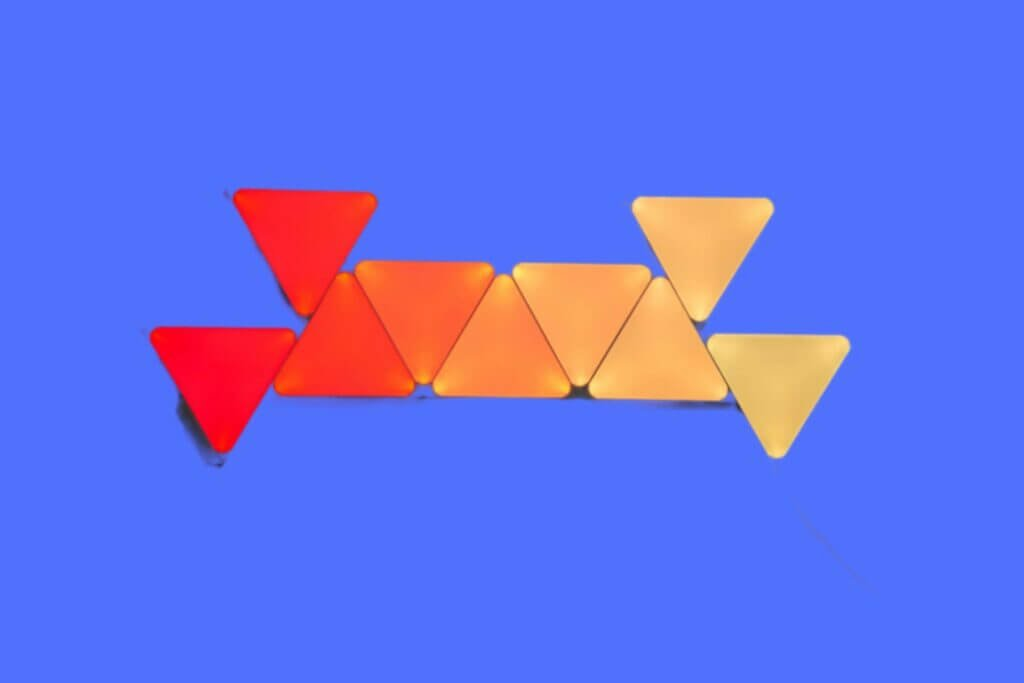

- [REQUIRED] Nanoleaf Shapes Smarter Kit (Hexagons, Triangles, or Mini Triangles) required for use .
Nanoleaf Shapes Features
When it comes to what most people expect of smart light, I will say that Nanoleaf Shapes does most of what it does right.
You’ll be able to set your lights to a wide variety of different colors as well as design schedules for when they come on and cut off.
You’ll even be able to use voice commands from things like Alexa or Siri, while the control module has a microphone that lets it react to your music.
Not only that, but Nanoleaf itself has several light recipes and options that you can play with, all of which are entirely user-generated.
This will not only give you some great options yourself but can also give you an inspirational idea for creating your design.
1. Lighting Quality
Starting with the lighting quality, Nanoleaf Shapes makes a point of putting forth entirely even colors with a sufficient amount of brightness and saturation.
This makes them both incredibly versatile as they can range from largely muted tones to more wacky colors, all while also being able to transition between colors.
They use Govee lights which are known to produce a slightly more “jagged” brightness. On the other hand, you can switch them out for Philips Hue lights, though these don’t provide much outside of brightness. For example, Govee lights are great for the aforementioned animation ability.
This is not the case for Philips Hue, which doesn’t even have animation options as early or as in-depth as what Govee has.
I’ll also say that, when it comes to which panels are better between these and the Canvas tiles, I will say the LEDs are slightly better than the Shapes, though, again, only slightly.
2. Third-Party Options
When it comes to the different third-party options, you have all of the heavy hitters available.
These range from groups like SmartThings, IFTTT, as well as Razer. Each has a plug-in option that offers additional utilities.
3. Thread Border
One particularly big selling point with the Nanoleaf shapes Sharp tiles is the inclusion of a Thread border router for your house.
Thread has made a lot of headway, particularly in its all-around increased responsiveness, as the foundational base when it comes to smart home technology.
The reason this is important is that, because of Thread’s acting border router, Shapes’ lights can actively interact with one another to have different effects.
Without that border router running, you essentially just have a bunch of lights tied to a Bluetooth connection.
This isn’t terrible on its own, but it makes doing virtually anything synchronized or collective an impossibility.
Virtually all of the Essentials were put onto the Thread network, making them recognizable to PC sync and the Google Home management system.
And while things aren’t 100% there yet, you can still get away with a good number of things more than you could even a year ago.
4. PC Sync
In addition to the Thread border, there is also PC sync. This is a super useful feature and arguably one of my favorite inclusions, particularly for how it works.
Pretty much, you can create a whole other layer of immersion simply by tying certain colors to certain sounds or settings.
For example, you can set a nature documentary to deep green colors while an ocean documentary to navy blues.
You can have the room light up in reds and oranges when playing a fast-paced multiplayer game.
While this feature was pretty buggy back in the day, things have dramatically improved. Not only that but because Essentials doesn’t have everything fully worked on Google Home, using PC sync is a great way to bridge the gap.

- Bundle includes (1) Nanoleaf Shapes – Triangles Smarter Kit and (1) Nanoleaf Shapes – Triangle Expansions
5. Touchscreen Feature
How much you get out of the touchscreen feature (or just “touch”) will largely depend on where you’ve set your Shapes layout up at.
For those that have it on their ceiling, you’re not going to get a ton of use out of this feature. On the other hand, if you have it near your desk or bed, you’ll likely be able to use it whenever you want. And it’s a good thing too.
Turns out it’s pretty fun to play with and makes for some smooth transitions once you know what you’re doing.
When swiping in any of the four different directions (up, down, left, right) you can establish a set basic control.
For example, swiping up or down on a tile can sort through your saved music while left and right can sort through the different colors available.
This is a great feature to have if you’re close enough to want to play some music while busing using your phone for something or don’t have the remote nearby.
They have a touch sensitivity that you can adjust so that you can rely on light swipes or more forceful “taps” to get the job done. Since I don’t have to worry about kids or big pets, I get away with a light and less forceful touch.
Still, I can imagine this potentially being a problem if you’ve got kids running around. There are some different light recipes available that leverage the touch sensitivity by letting you play mini-games like “Simon Says” or “Whack-a-Mole”.
It’s not completely there yet, but the fact that it’s even on the table says something.
The only real downside is that it can be a bit buggy, having touch commands activate even if you aren’t touching them.
It’s not so big of an issue as to not get them, but it can be annoying.
6. Nanoleaf Shapes Desktop App
Lastly, the Nanoleaf shapes desktop app is great for those that want to have super crazy complex light setups. Essentially, you’re taking what you can do on your desktop computer (PC) and projecting it out onto the Shapes lights.
You’re able to position the lights out relative to what the app is displaying, causing them to respond accordingly.
An example would be having the lights around you turn from light blue and yellow when playing a game with daylight mechanics, and having them turn dark blue and black when the game later turns to night.
The app is great for also tweaking and playing with the layout, allowing you to rotate and flip it around while also mirroring the lights that are behind you.
There are four different mirroring modes, with Chameleon being the softest and 4D essentially mirroring what’s actively playing on your screen. I tend to shy away from 4D a bit since you can get a bit motion sick if things are going too fast or too crazy.
Chameleon is great since samples the color palette of the screen before filtering it across the tiles at a more relaxing and less stimulating pace.
All in all, it’s a super-cool feature and something worth your consideration entirely on its own.
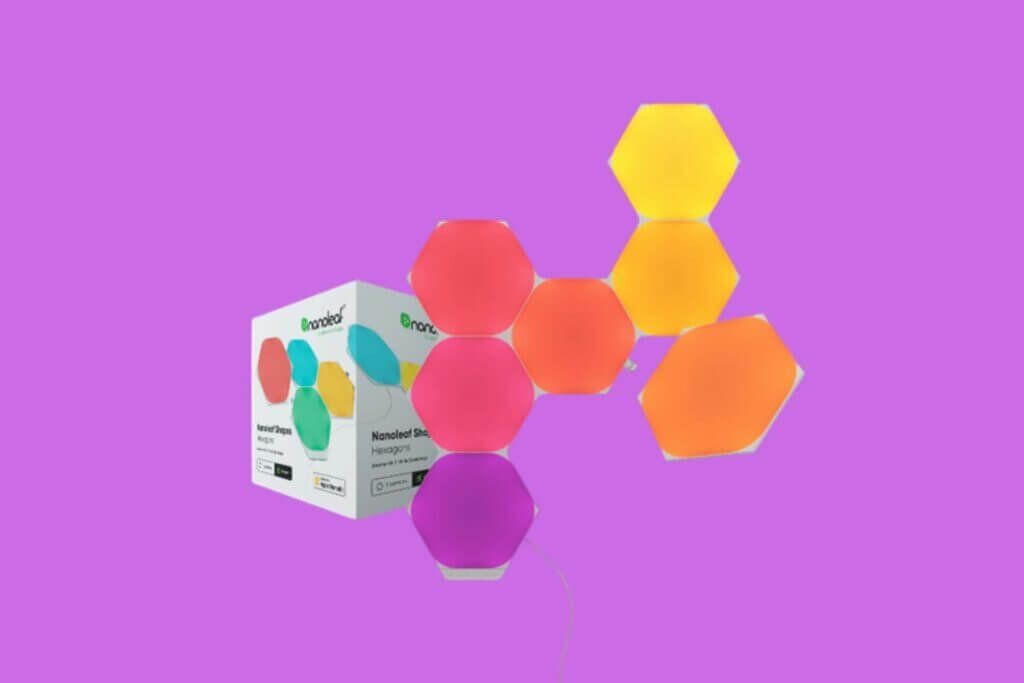
Pros & Cons
Overall, when it comes to Nanoleaf Shapes smart tiles, they are pretty impressive in a lot of different ways.
Not only is the installation fairly easy (provided you are closely paying attention to the instructions), but it’s superior to the Canvas tiles setup and offers a ton of smooth and immersive features and settings.
The only real downside is that the Thread border, while there, isn’t quite where it needs to be. And, while I do suspect it will get there with time, it isn’t there yet.
What we Like:
- Very Useful App
- Tons Of Different Animations, Colors, Sequences, & Features
- PC Sync Has Improved A Lot
What We Do Not Like:
- Routing For Thread Border Not Where It Should Be
- Touchscreen Feature Is Still Slightly Buggy
Nanoleaf Shapes: The Verdict
When it comes right down to it, Nanoleaf Shapes smart light tiles are a phenomenal tool that can transform just about any room in any home for any reason.
Whether you’re a gamer, a DJ, a streamer, or just someone that wants to personalize their home, it’s difficult to think of any reason not to get these incredible tiles.
They aren’t perfect but they are so close to being so, that they’re well worth the investment even 10 years down the line!